
Signing in
Knowspread offers two ways in: a password, or a one-time link sent to your e-mail. The password form is not the default, so the first step is switching to it.
Verified: Captured against staging on 2026-09-03.
Before you start
Section titled “Before you start”You need an account in at least one company space. If someone invited you, the invitation e-mail contains the link that creates your account.
Open question: What a user should do when the invitation has expired is not
documented yet.
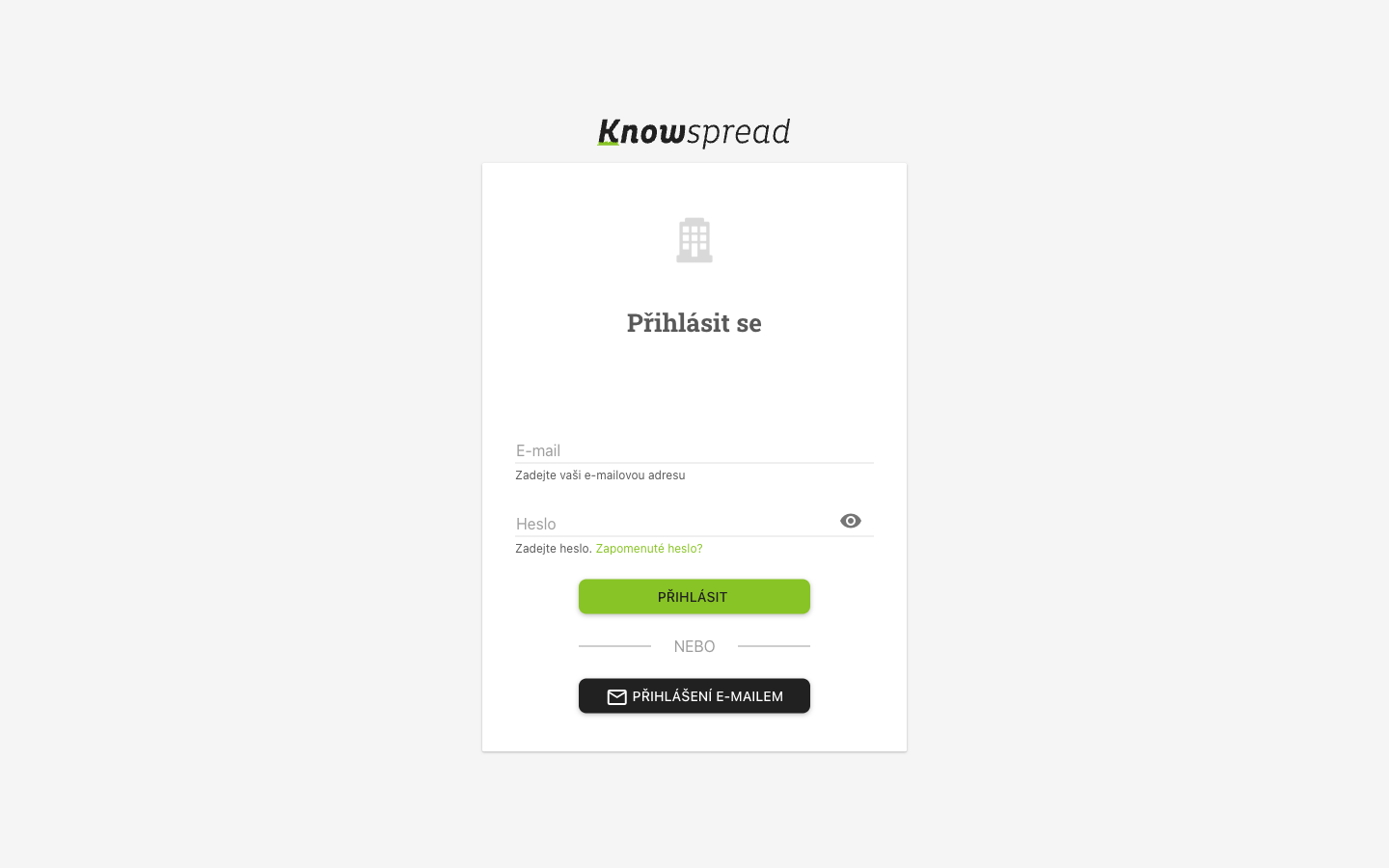
If the form asks only for an e-mail address, select Přihlášení heslem first. The screen then looks like this.
123
- Enter the e-mail you were invited with.
- Enter your password.
- Select Přihlásit.
What to watch for
Section titled “What to watch for”Fact: If you belong to more than one company space, Knowspread asks which
one to open before it shows any content.
Missing: The screenshot of the space picker is not published. That screen
lists every organisation an account belongs to, so for a staff account it is a
client roster. Capturing it needs an account that belongs to one demo space only.