
The admin dashboard
The dashboard is the administrator’s landing page. It is built from widgets rather than fixed panels, so what it shows is whatever the space has chosen to put on it.
Verified: Captured from
#/adminDashboard/reports on 2026-09-05 in a
company space.The screen
Section titled “The screen”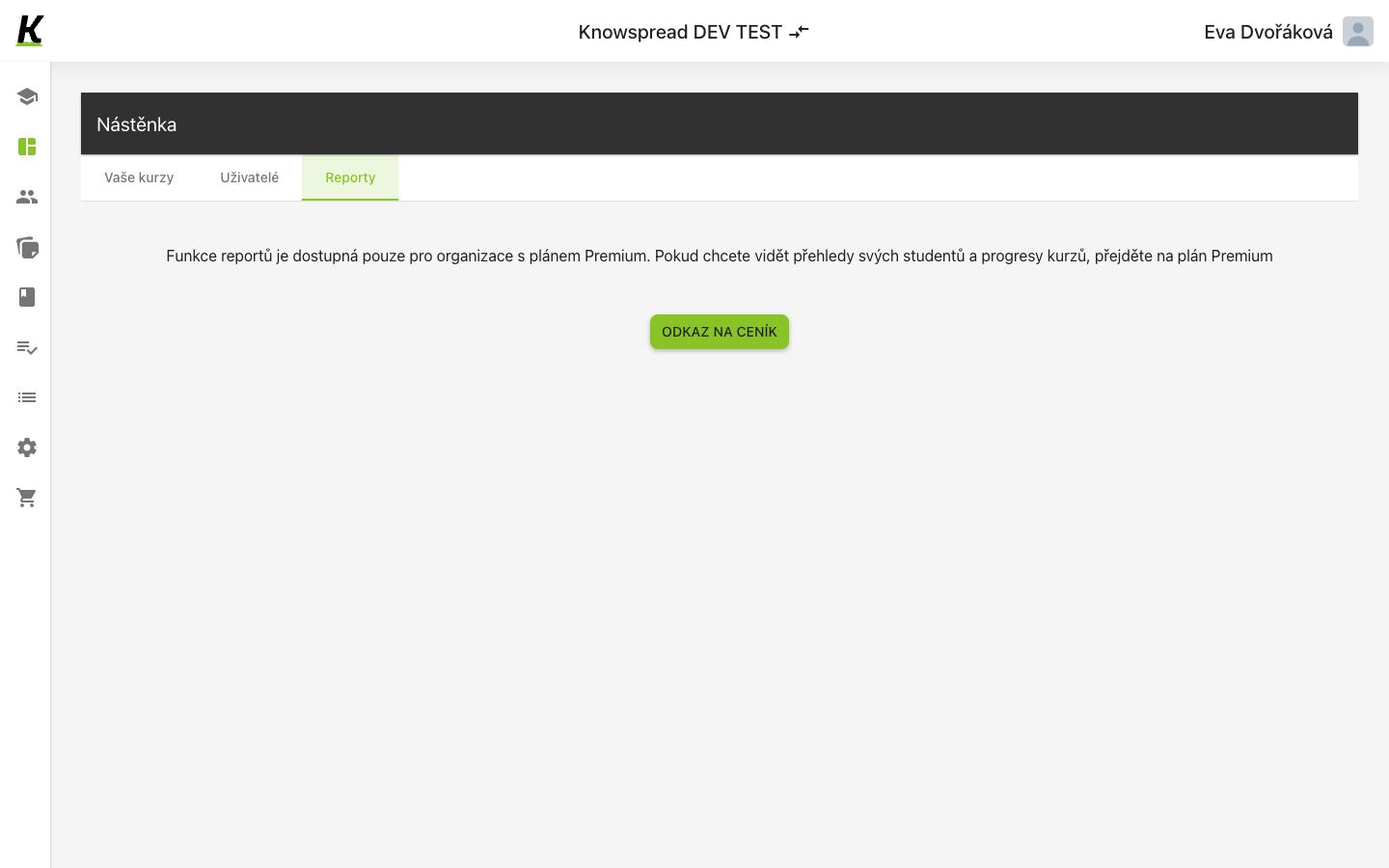
123
- Three tabs divide it (1): Vaše kurzy, Uživatelé and Reporty.
- The reports tab does not show reports here. It explains that the feature belongs to the Premium plan (2).
- Odkaz na ceník goes to the pricing page (3).
What is and is not included
Section titled “What is and is not included”Fact: Reports are a Premium feature. The tab names what they would
show — learner overviews and course progress — and links to pricing instead of
hiding the option.
Fact: The other two tabs are widget boards. Each starts empty with a plus
to add a widget, so a new space sees an empty dashboard rather than a default
one.
Assumption: The widgets on Vaše kurzy and Uživatelé are probably
drawn from the same data as content and the user
list. We have not added one to confirm it.
What to watch for
Section titled “What to watch for”Decision: (2026-09-05, Jirka) Captured on the reports tab rather than the
default one. An empty widget board makes a poor illustration, and the Premium
notice is the only thing on this screen a reader could not guess.
Missing: Which widgets exist, and what the dashboard looks like once
configured, both need a space that has set some up.